

Blog
Google Merchant Product Feed: Boost Sales with Expert Optimization Tips
Feb
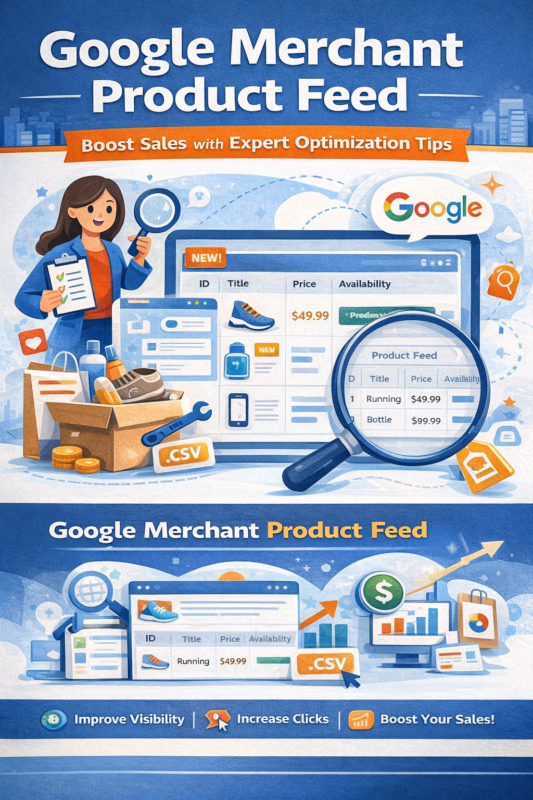
If you sell products online, you want people to find them easily. Google helps with that. One way is by using a Google Merchant Product Feed. This feed is a list of your products. It tells Google about each item you sell. Then, Google can show your products in search results and ads.
What Is a Google Merchant Product Feed?
A Google Merchant Product Feed is a file. It has details about your products. You send this file to Google Merchant Center. This center is a place where Google collects product data. The feed has important info like product name, price, and picture.
Think of it like a menu at a restaurant. The menu shows what food is available. The Google Merchant Product Feed shows what products you sell.
Why Use a Google Merchant Product Feed?
Using a product feed helps your products appear on Google Shopping. It also helps with Google Ads. When you give Google the right info, more people see your products. This can bring more buyers to your website.
Here are some main reasons to use it:
- Show products in Google Shopping results.
- Use product info in shopping ads.
- Keep product details up to date easily.
- Reach more customers online.
- Give clear information about your products.
What Information Does the Feed Need?
Your product feed needs some key details. Google wants to know about each product clearly. Here are the most important parts:
| Feed Item | Description |
|---|---|
| id | A unique code for each product. It cannot repeat. |
| title | The name of the product. Use simple words. |
| description | Short details about the product. What it is and its use. |
| link | The website page where the product is sold. |
| image_link | A clear picture of the product. |
| price | How much the product costs. Use correct currency. |
| availability | Is the product in stock? Use terms like “in stock” or “out of stock”. |
| brand | The product’s brand or maker. |
| gtin | A global trade number (barcode). Helps Google find the product. |
These are the basics. Sometimes, you may add more details. Like color, size, or condition. More info helps buyers decide.
Credit: socialhead.io
How to Create a Product Feed
Creating a product feed may seem hard. But it is not if you follow simple steps. You can make a feed in many ways. The most common ways are:
- Using a spreadsheet (like Excel or Google Sheets).
- Using a feed management tool or app.
- Generating feed automatically from your website.
Let’s see how you can create a feed using a spreadsheet:
- Open a new spreadsheet file.
- Make columns for each feed item: id, title, description, etc.
- Fill each row with product details.
- Check that all info is correct and matches your products.
- Save the file as a .txt or .csv file.
After that, you upload the file to Google Merchant Center.
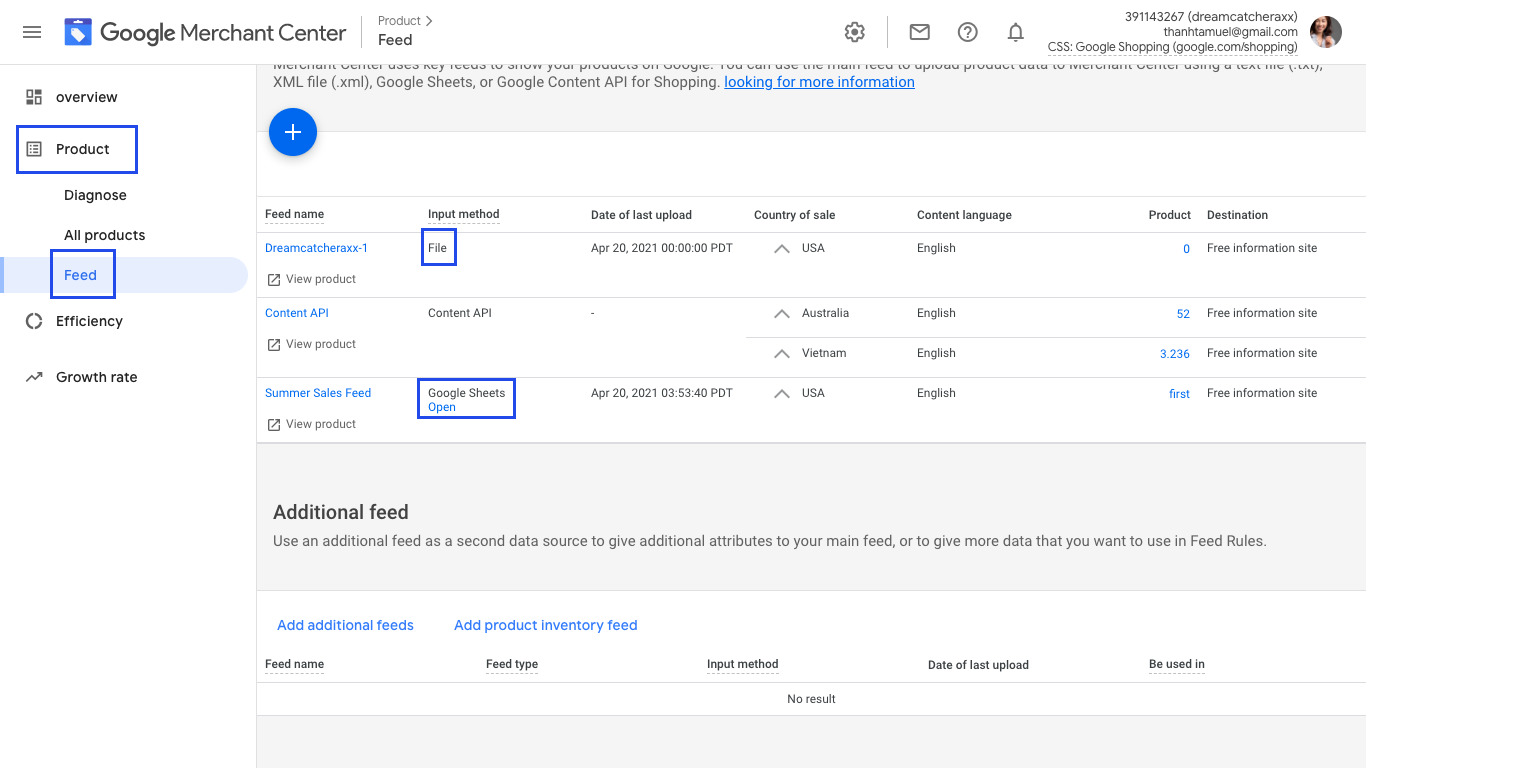
Google Merchant Center: Where Feeds Live
Google Merchant Center is a free tool. It helps you send product info to Google. You create an account and upload your product feed there. Google reads your feed and shows your products online.
Inside Merchant Center, you can:
- Upload product feed files.
- Check if your products have errors.
- Update product info anytime.
- See how many people see your products.
Tips for a Good Product Feed
A good product feed makes Google happy. It helps your products show better. Here are some tips:
- Use clear titles: Write simple product names.
- Write honest descriptions: Tell what the product really is.
- Use good images: Pictures should be clear and only show the product.
- Keep prices correct: Make sure prices match your website.
- Update feed often: Fix errors and change info when needed.
- Follow Google’s rules: Google has rules for product feeds. Follow them to avoid problems.
Common Feed Errors and How to Fix Them
Sometimes, Google shows errors for your feed. These stop your products from showing. Common errors include:
- Missing required fields like price or title.
- Incorrect price format or wrong currency.
- Broken or missing product image links.
- Invalid product ID or duplicate IDs.
- Products marked as available but out of stock.
To fix errors:
- Check the error message in Google Merchant Center.
- Update your feed file with correct info.
- Re-upload the feed file.
- Wait for Google to review the feed again.
How Often Should You Update Your Feed?
Update your feed as often as your product info changes. If prices or stock change daily, update daily. If changes happen once a week, update weekly. Keeping your feed fresh helps customers get correct info. It also helps Google show your products better.
Types of Product Feeds
Google supports different feed formats. The most used are:
- Text (.txt) feeds: Simple files with tab-separated values.
- CSV files: Comma-separated values, easy to edit with spreadsheets.
- XML feeds: More complex, used by some websites or tools.
Choose the format that is easiest for you to create and update.
Using Product Feed with Google Ads
After your feed is in Google Merchant Center, you can link it to Google Ads. This lets you create shopping ads. These ads show your product image, price, and name in search results. They help people click and buy your products.
Shopping ads work better when your product feed is complete and correct. So, keep your feed good.

Credit: www.shopify.com
Frequently Asked Questions
What Is Google Merchant Product Feed?
Google Merchant Product Feed is a file listing your products for Google Shopping. It helps Google show your items in search results and ads.
How Do I Create A Google Merchant Product Feed?
Create a spreadsheet with product details like title, price, and image URL. Upload this file to Google Merchant Center to start.
Why Is Product Feed Important For Google Shopping?
Product feeds let Google understand your products clearly. This improves your visibility and chances to sell online.
What Product Information Is Required In The Feed?
You need product title, description, price, availability, and image URL. Accurate details help your ads perform better.
Conclusion
A Google Merchant Product Feed is a list of your product details. You send it to Google Merchant Center. This helps Google show your products to buyers online. The feed needs clear info like title, price, and images. You can create it using spreadsheets or tools. Fix errors and update the feed often. Doing this helps your products appear in Google Shopping and ads. It brings more visitors and potential buyers to your store.
Take your time to prepare a good feed. It is an important step for selling online.
